
How to Recover a Hacked Social Media Account
Official platform guidance, government consumer protection recommendations, and cybersecurity best practices all point to the same recovery strategy: act fast, secure your email, remove unauthorized access, and strengthen account protection.
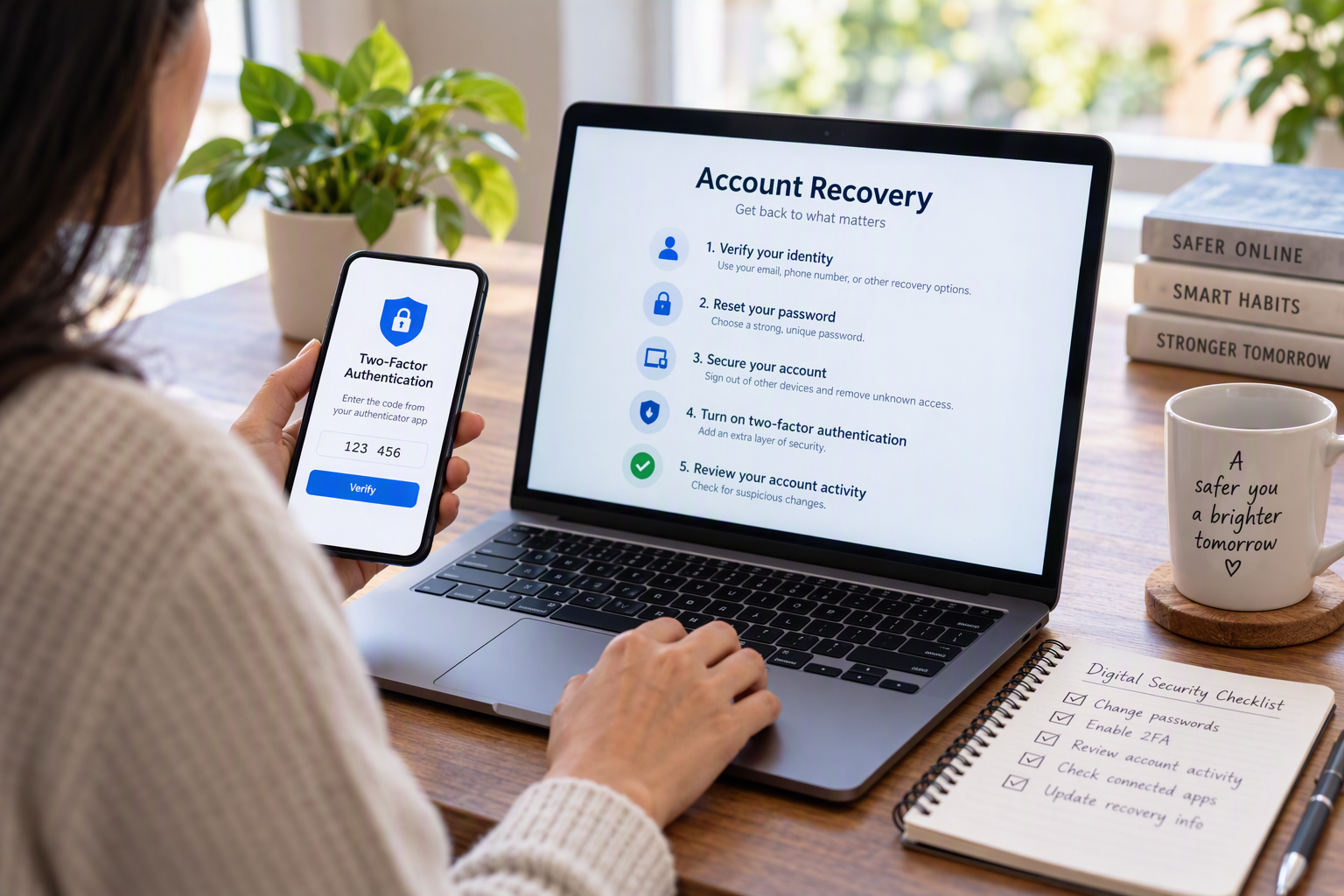
Recovering a hacked social media account can feel overwhelming, but official guidance from government agencies, major technology platforms, and cybersecurity experts points to a clear path forward. This fact-checked guide explains what to do first, why securing your email matters as much as recovering your profile, and which common recovery myths are not supported by evidence.
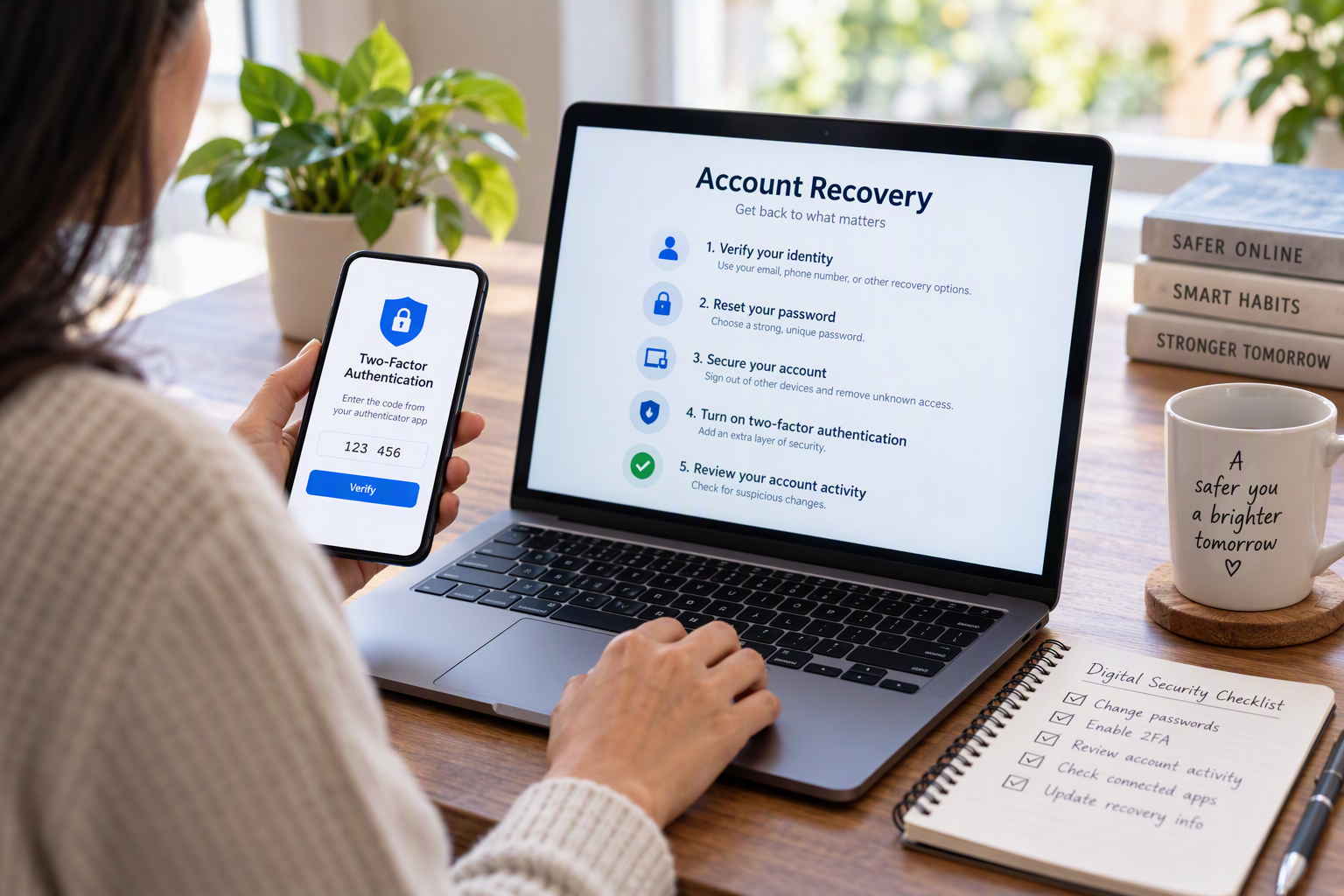
Recovering a hacked social media account can feel overwhelming, but official guidance from government agencies, major technology platforms, and cybersecurity experts points to a clear path forward. This fact-checked guide explains what to do first, why securing your email matters as much as recovering your profile, and which common recovery myths are not supported by evidence.
Few digital experiences are as unsettling as discovering that a social media account no longer belongs entirely to you.
A password suddenly stops working. Friends report receiving strange messages. Posts appear that were never written. Or perhaps a notification announces that the account's recovery email has been changed without permission. In many cases, victims fear the worst: that the account is gone for good.
The evidence suggests otherwise.
According to guidance from the U.S. Federal Trade Commission (FTC), Meta, Google, and cybersecurity organizations, most hacked-account situations can be addressed through a structured recovery process. While recovery outcomes vary by platform and circumstances, experts consistently recommend the same core steps, and the sooner those steps begin, the better.
What Counts as a Hacked Social Media Account?
Not every login issue is a hack, but several warning signs are widely recognized as indicators of account compromise.
Common signs include:
- A password that no longer works
- An email address or phone number changed without authorization
- Two-factor authentication settings added by someone else
- Messages or posts that were never created by the account owner
- Reports from friends about suspicious requests or links
- Security alerts about unfamiliar login activity
These signs typically indicate that another party has gained access or attempted to gain control over the account.
The Most Important First Step: Use the Official Recovery Process
When an account is compromised, official recovery tools remain the most trusted and consistently recommended option.
Major platforms maintain dedicated recovery mechanisms designed specifically for hacked-account scenarios. Facebook, Instagram, LinkedIn, TikTok, Google, and other large services provide recovery systems that guide users through identity verification and ownership restoration.
This recommendation appears repeatedly across government consumer-protection guidance and platform documentation.
The reason is simple. Recovery systems are designed to recognize unusual account changes, verify ownership, and reverse unauthorized modifications where possible.
Cybersecurity guidance also suggests acting immediately. Attackers often move quickly to replace recovery email addresses, change passwords, or enable their own security controls, making delays costly.
Why Your Email Account May Matter More Than Your Social Media Account
One of the most overlooked realities of account recovery is that social media platforms are often only part of the problem.
The FTC warns that email accounts are particularly valuable targets because they function as recovery hubs for many other services. If an attacker controls an email account, recovering a social media profile may not permanently solve the issue.
An attacker with email access can often:
- Reset passwords on connected accounts
- Intercept recovery messages
- Approve security changes
- Maintain persistent access even after a password reset
For that reason, security experts recommend checking email accounts immediately after discovering a social media compromise.
Important actions include:
- Changing the email password
- Enabling two-factor authentication on email
- Reviewing recovery phone numbers and addresses
- Examining forwarding rules for suspicious changes
In practice, recovering the email account and the social media account should happen simultaneously whenever possible.
After Recovery, Remove Every Path Back In
Many users stop after changing a password.
Security authorities say that is often not enough.
Modern online accounts can remain vulnerable through active sessions, remembered devices, connected applications, or modified recovery settings. A compromised account may continue to provide access even after a password change if those additional entry points remain active.
After regaining access, users should:
- Create a new password.
- Sign out of all active sessions.
- Remove unfamiliar devices.
- Review login history.
- Revoke access for unknown third-party applications.
- Restore legitimate recovery information.
This step is especially important because attackers frequently attempt to establish multiple access methods before victims discover the intrusion.
How Platforms Verify Account Ownership
When normal login methods fail, platforms use several forms of verification to determine whether a recovery request is legitimate.
Common methods include:
Email or Phone Verification
Recovery codes may be sent to previously registered contact methods. These codes help establish ownership when password access has been lost.
Familiar Device Recognition
Google's recovery guidance notes that using a familiar device and location may strengthen account verification efforts. Consistent login patterns can help platforms distinguish legitimate owners from unauthorized users.
Identity Documentation
In some circumstances, users may be asked to submit government-issued identification when standard recovery methods cannot verify ownership.
Biometric Verification
Some account recovery processes, including certain Instagram recovery workflows, may request a video selfie as part of identity verification procedures.
These measures exist because recovery systems must balance two competing goals: helping legitimate users regain access while preventing attackers from falsely claiming ownership.
The Security Upgrade That Matters Most
Among all post-recovery recommendations, one appears with remarkable consistency across government agencies and cybersecurity guidance: enable two-factor authentication (2FA).
Two-factor authentication adds a second verification layer beyond the password. Even if an attacker obtains login credentials, access becomes significantly more difficult without the additional authentication factor.
Experts generally view authentication methods in the following order:
- Hardware security keys
- Authenticator applications
- SMS verification codes
While SMS-based verification is not considered the strongest option, security authorities still regard it as substantially better than having no two-factor authentication at all.
Build Better Password Habits
Password reuse remains one of the most common security weaknesses.
FTC guidance recommends strong, unique passwords or passphrases, generally in the range of 12 to 15 or more characters, and advises against using the same credentials across multiple services.
A password that protects only one account limits the damage when a breach occurs elsewhere.
By contrast, using the same password across social media, email, banking, and shopping accounts can rapidly transform a single compromise into a broader security event.
Review Everything the Attacker Touched
Account recovery does not end when access is restored.
Experts recommend conducting a thorough review of account activity to identify changes that may have occurred during the compromise period.
Check for:
- Messages never sent by the account owner
- Unauthorized posts
- Unexpected followers or contacts
- Changes to privacy settings
- New recovery emails or phone numbers
- Unknown connected applications
This review serves two purposes. It helps remove lingering risks and provides insight into what information or access may have been exposed.
Common Recovery Myths That Do Not Match the Evidence
Myth: Customer Support Can Always Restore an Account
Reality: Support teams may assist in many situations, but official recovery systems remain the primary recovery channel. Success is never guaranteed.
Myth: Changing the Password Solves Everything
Reality: Evidence strongly contradicts this belief. Security experts consistently recommend additional steps, including session management, recovery-setting reviews, application audits, and two-factor authentication.
Myth: An Account Is Lost Forever if the Email Address Was Changed
Reality: Most major platforms provide alternative verification pathways specifically for this scenario, including identity verification procedures and recovery workflows.
Myth: Private Recovery Companies Can Recover Accounts Faster
Reality: Major platforms emphasize official recovery systems. Claims made by third-party recovery services often lack independent verification, and publicly available evidence supporting superior recovery outcomes remains limited.
What the Evidence Shows
Despite differences among platforms, the strongest and most consistent findings are surprisingly straightforward.
Official recovery tools are the recommended starting point. Securing email accounts is critical because they often control access to other services. Password changes should be combined with session reviews and recovery-setting audits. Two-factor authentication significantly improves protection. Finally, compromised accounts should be reviewed carefully for lingering changes and unauthorized connections.
There is one important limitation, however. Publicly available data on recovery success rates remains limited. Major platforms generally do not publish comprehensive statistics, making it difficult to quantify the likelihood of successful recovery across different scenarios.
Even so, the broader guidance is remarkably consistent across government agencies, platform providers, and cybersecurity organizations.
The lesson is clear: when a social media account is hacked, speed matters, official recovery channels matter, and securing connected email accounts may be just as important as recovering the profile itself.
Key Takeaways
- Use the platform's official hacked-account recovery process immediately.
- Secure your email account at the same time as your social media account.
- Change passwords and sign out of active sessions after recovery.
- Review recovery emails, phone numbers, and connected applications.
- Enable two-factor authentication as soon as possible.
- Strong, unique passwords reduce the risk of future compromise.
- Recovery companies' success claims are generally not independently verified.
- Evidence from government agencies, platform providers, and cybersecurity organizations strongly supports these recommendations.